


Code for the Cup
Learning Objectives
- Code a solution to be fit for purpose.
- Know the importance of code efficiency.
- Learn to detect and correct errors and refine programs.
Lesson Description
Can your students cross the start line without jumping the gun?
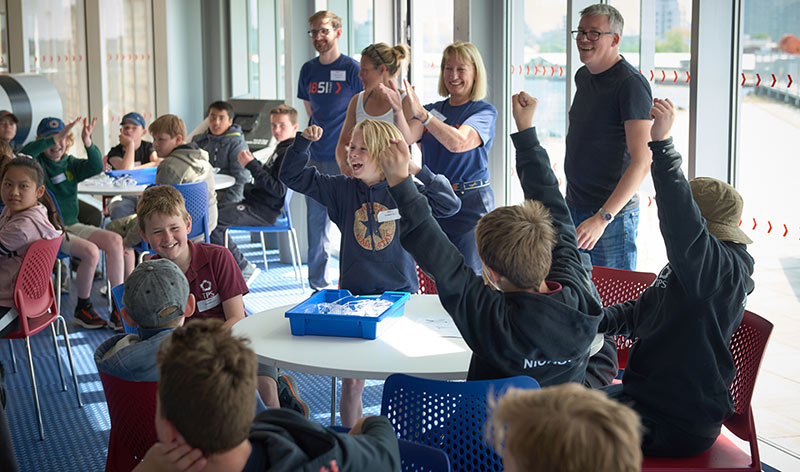
That’s the challenge at the heart of this three-lesson Computing unit — and it’s a real one. Using the high-stakes drama of an America’s Cup race start as the hook, students code a foiling race boat to hit the start line as close to the gun as possible. Too early? Penalty. Too late? Race lost.
It’s tense. It’s competitive. It’s secretly brilliant for teaching code.
Across the three lessons, students will:
1) Break a real-world problem into logical steps (hello, computational thinking
2) Sequence code blocks to build a working programme
3) Test, debug, and refine — because “good enough” doesn’t win races
What you get: Three fully editable lesson presentations with teacher notes, ready-to-go guidance for deeper exploration, and a Google Classroom link to share everything with students in seconds.
No sailing experience required. Competitive spirit: optional but encouraged.
Share


For immediate access to all of our free Key stage 3 and 4 STEM teaching resources.

 Code for the Cup Game Resource
Use this link to access and share the game resource with students for use in all three lessons.
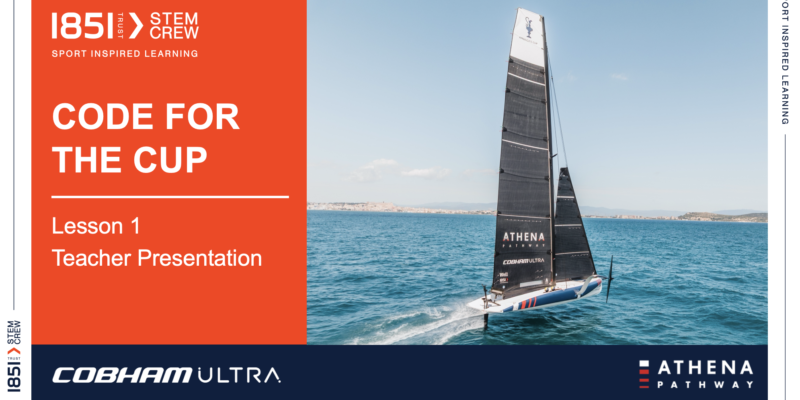 3.Lesson 1: Code Efficiency
Editable lesson presentation and teaching notes covering coding for a purpose, code efficiency and refinement.
3.Lesson 1: Code Efficiency
Editable lesson presentation and teaching notes covering coding for a purpose, code efficiency and refinement.
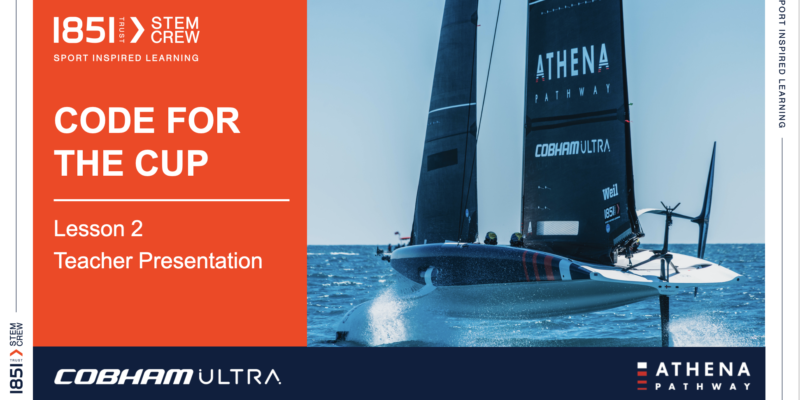 4.Lesson 2: Loops and if statements
Editable lesson presentation and teaching notes covering program refinement and use of a loops to further refine a program.
4.Lesson 2: Loops and if statements
Editable lesson presentation and teaching notes covering program refinement and use of a loops to further refine a program.
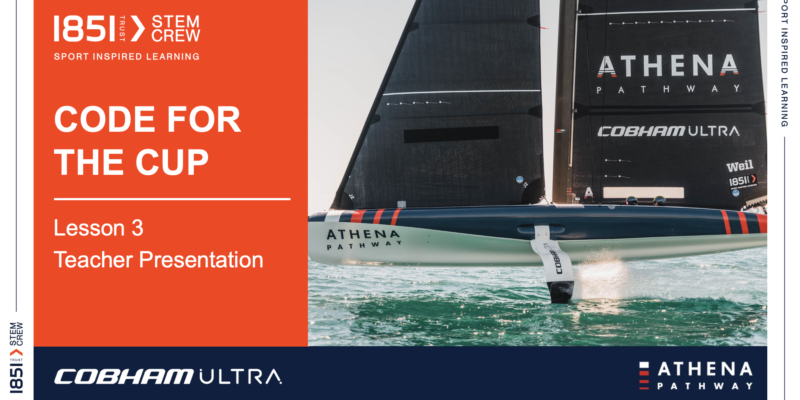 5.Lesson 3: Nested loops, Debugging and Code Optimisation
Editable lesson presentation and teaching notes covering the difference between deterministic and non-deterministic loops, Nested loops, Debugging and Code Optimisation
5.Lesson 3: Nested loops, Debugging and Code Optimisation
Editable lesson presentation and teaching notes covering the difference between deterministic and non-deterministic loops, Nested loops, Debugging and Code Optimisation
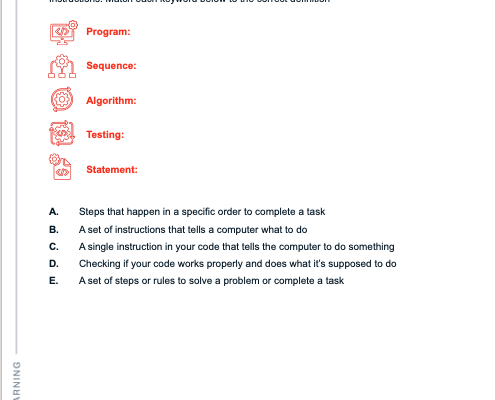 6.Lesson 1 worksheet
 7.Lesson 2 worksheet
8.Lesson 3 worksheet
7.Lesson 2 worksheet
8.Lesson 3 worksheet
Curriculum Links
Key stage 2
Pupils should be taught to:
- design, write and debug programs that accomplish specific goals, including controlling or simulating physical systems; solve problems by decomposing them into smaller parts
- use sequence, selection, and repetition in programs; work with variables and various forms of input and output
- use logical reasoning to explain how some simple algorithms work and to detect and correct errors in algorithms and programs
Key stage 3
Pupils should be taught to:
- design, use and evaluate computational abstractions that model the state and behaviour of real-world problems and physical systems
- understand several key algorithms that reflect computational thinking [for example, ones for sorting and searching]; use logical reasoning to compare the utility of alternative algorithms for the same problem
- use two or more programming languages, at least one of which is textual, to solve a variety of computational problems; make appropriate use of data structures [for example, lists, tables or arrays]; design and develop modular programs that use procedures or functions
Related Resources

Calculating The Power of The Wind
Explore the concept of power using the context of the super-fast SailGP GBR catamaran and the cutting-edge technology of wind turbines. Students will have the chance to build a working model wind turbine and use their new knowledge of calculating power to build the most efficient design. There is also the chance to find out from SailGP GBR sailors and wind industry experts about their fields and careers. The sustainable recycling process of wind turbines is also considered giving students the opportunity to come up with their own solutions.




Bearings
.


Viruses
.